
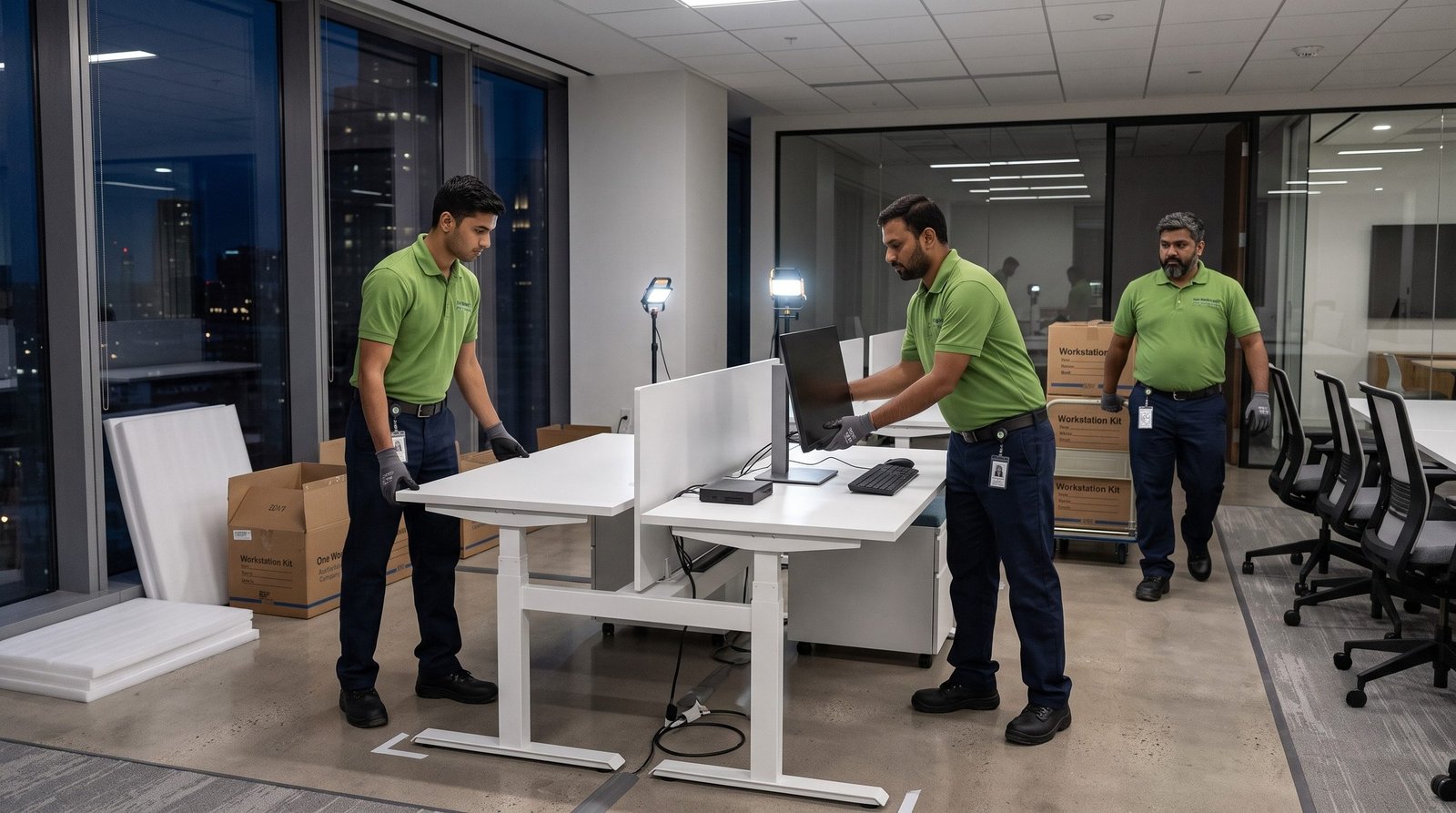
TL;DR: Office relocation without downtime comes down to three things: a phased plan built around your business hours, IT and server equipment moved by trained engineers rather than general packers, and one project manager owning the timeline end to end. Done right, your team logs off at the old office on Friday and logs back in at the new one on Monday.
For most businesses, the real cost of an office move is not the trucks or the packing material. It is the hours your team cannot work. Every hour a sales floor is dark, a support line is down, or a server is mid-transit is revenue you do not get back. That is why “how fast can you move us” is the wrong question. The right one is “how do we move without stopping.”
This guide walks through how corporate offices across India plan and execute office relocation without downtime, from the pre-move survey to the moment your team walks into a fully working new space.
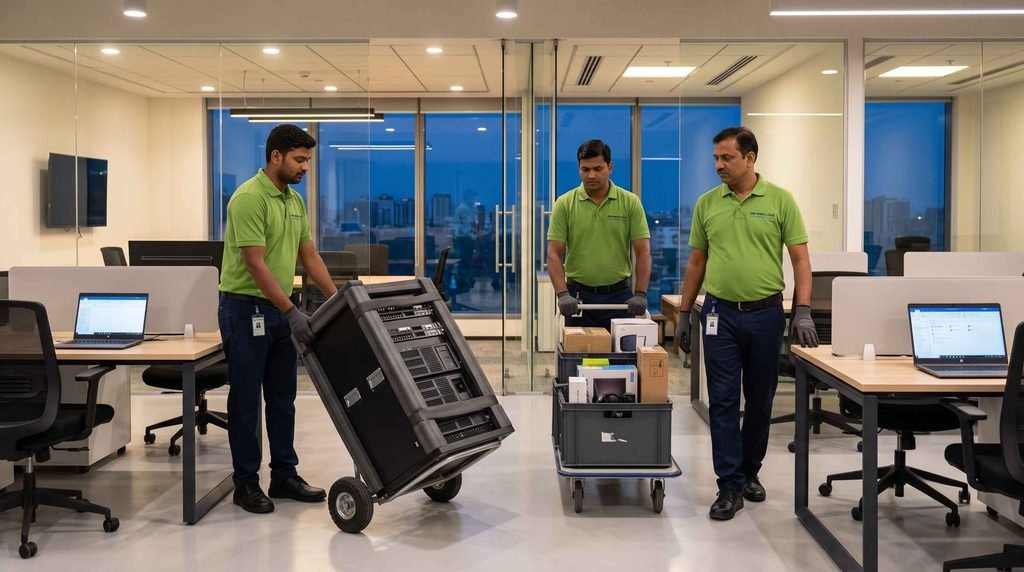
Table of Contents
- Why Office Moves Cause Downtime and How to Avoid It
- The Pre-Move Plan: Start Four Weeks Out
- Moving the IT the Right Way
- Phased vs Weekend Moves: Which Fits You
- Common Mistakes That Cause Downtime
- How One World Logix Delivers Office Relocation Without Downtime
- Frequently Asked Questions
Why Office Moves Cause Downtime and How to Avoid It
Most downtime during an office move is not caused by the physical shift. It is caused by three predictable gaps, and office relocation without downtime is really just the discipline of closing all three.
The first gap is treating IT and server equipment like furniture. General packers move desks well, but a server rack, a network switch, or a UPS system needs controlled handling, correct shutdown and restart sequencing, and reconnection by someone who understands the setup. When untrained crew handle this, the office physically arrives but nobody can actually work.
The second gap is having no phased plan, so everything moves at once and everything is offline at once. The third is that nobody owns the timeline. When the facilities team, the IT team, and the movers each assume the other is handling a step, that step gets missed on move day.
The Pre-Move Plan: Start Four Weeks Out
A true office relocation without downtime is decided in planning, not on move day. For a mid-size office, a workable timeline starts four weeks out with a pre-move survey that maps every asset: workstations, servers, network gear, furniture, and anything fragile or high value. You note what must stay live and what can go dark briefly.
Three weeks out, tag and inventory everything, with each item labelled to its destination spot in the new office so nothing is guessed at on move day. Two weeks out, plan the IT cutover: the exact window when servers and network equipment shut down at the old site and come back up at the new one, and who owns each step. One week out, confirm building access at both sites, including lift bookings, loading dock times, and after-hours permissions.

Moving the IT the Right Way
This is the part that separates a smooth move from a disaster. Servers, storage, network switches, and UPS systems should be handled by trained field engineers, not general labour. A proper server and IT relocation covers safe shutdown, anti-static and shock-protected transport, and reconnection with full documentation so the setup at the new site matches the old one exactly.
For businesses that cannot afford any interruption, the IT cutover is scheduled for a weekend or after hours, so the physical move and the technical reconnection both happen while the office is closed. That single decision is what makes office relocation without downtime actually possible. Teams walk into a working office, not a room full of boxes and dead machines.
Phased vs Weekend Moves: Which Fits You
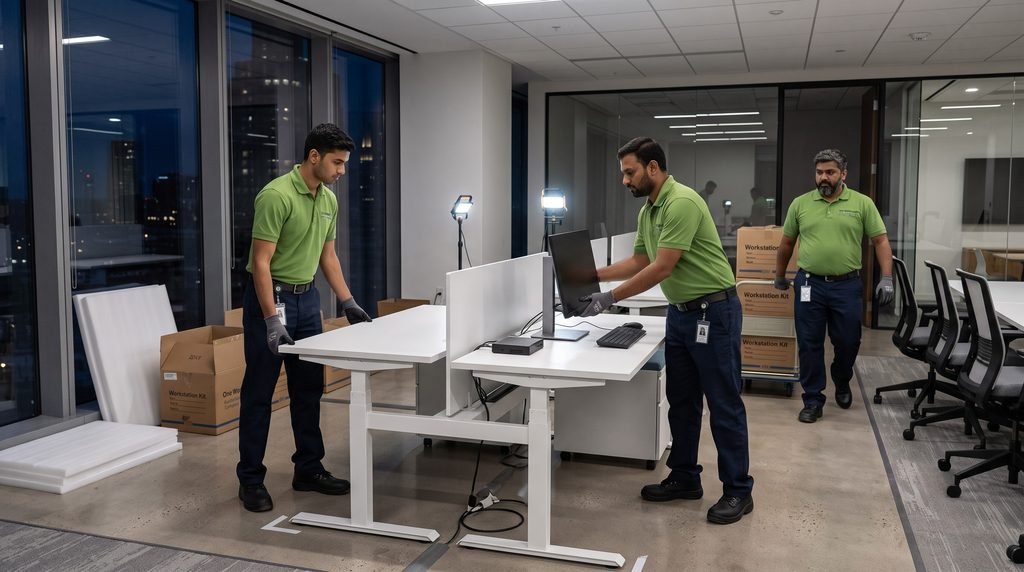
There are two proven routes to office relocation without downtime, and the right one depends on your size. A weekend move suits most single-location offices. The crew packs and moves Friday evening through Sunday, IT reconnects over the weekend, and the office opens Monday as normal. Nobody loses a working day.
A phased move suits larger or multi-floor offices. Departments move in waves so the business is never fully offline. While one team is shifting, the rest keep working, then they swap. Both approaches protect continuity; the choice is simply about how much you move in one window.
Common Mistakes That Cause Downtime
A few avoidable errors quietly sabotage an office relocation without downtime. The first is booking the move for a working day to save on weekend rates, because the saving is wiped out many times over by lost productivity. The second is letting general packers handle the server room, which is the single most common cause of a move where the office arrives but cannot function.
The third is skipping the asset inventory, since without labels tied to destinations, move day turns into guesswork and reassembly stretches into the work week. The fourth is having no post-move support. Issues always surface in the first 48 hours, and without a team on call, small problems become real downtime. Choosing the right office relocation partner who plans for all four is what keeps the move clean.

How One World Logix Delivers Office Relocation Without Downtime
One World Logix has relocated more than 500 corporate offices across India in over 14 years, for companies across IT, manufacturing, BFSI, pharma, and retail. Every move runs to ISO 9001:2015 documented processes, with a dedicated project manager coordinating your facilities team, IT department, and building management from first survey to final sign-off.
The IT and server relocation is handled by trained field engineers rather than general crew, which is what makes genuine office relocation without downtime possible. As an IAM certified mover with operations in 30 plus cities and 30 plus countries, the same standard applies whether you are moving one floor, consolidating offices, or relocating across borders. If you want help comparing partners first, our guide to choosing the right office relocation company is a good starting point.
If you are planning a move this year, get a free site assessment before you commit to anyone. One World Logix will build the timeline around your working hours and protect both your equipment and your uptime.
Call: +91-882-882-0887
Email: info@oneworldlogix.com
Website: oneworldlogix.com/owl/office-relocation-services
Get a free site assessment for your office relocation today.
Frequently Asked Questions
How long does a corporate office relocation take?
A single-location office of 50 to 100 seats is typically moved over a weekend and opens the next working day. Larger or multi-floor offices use a phased plan over one to two weeks so the business is never fully offline.
Can an office be relocated without any downtime?
Yes. The move is scheduled around your non-working hours, the IT cutover is planned in advance, and servers and network equipment are reconnected by engineers before the office reopens, so teams return to a working workspace.
Who should move the server room during an office relocation?
Server racks, storage, network switches, and UPS systems should be moved by trained field engineers, not general packers, with proper shutdown sequencing, shock-protected transport, and documented reconnection.
Does One World Logix handle office relocation across all of India?
Yes. One World Logix relocates corporate offices across 30 plus cities in India and also handles international moves, with the same zero-downtime, ISO-certified process everywhere.