
Key Considerations for a Smooth and Cost-Effective Data Center Relocation
As businesses grow and digital demands increase, many companies are rethinking how they manage their IT infrastructure. One major decision is whether to continue using on-premises data centers or move to a colocation facility. This is where data center relocation comes into play.
Relocating a data center is not just about moving servers and equipment. It involves careful planning, risk management, and cost analysis. Done correctly, it can improve performance, reduce operational expenses, and allow businesses to focus on their core operations. Done poorly, it can lead to unexpected downtime, budget overruns, and security risks.
Here’s what you need to consider to make your data center relocation smooth, efficient, and cost-effective.
1. Understand Your Current Infrastructure
Before considering a move to a colocation facility, it’s essential to evaluate your existing on-premises setup. Assess your servers, storage, network, and power requirements. Identify hardware that may need upgrading or replacement during relocation.
Understanding your current infrastructure helps you plan for capacity, power, and cooling needs at the new location. This step also ensures that the relocation doesn’t interrupt critical business operations.
2. Evaluate Colocation Benefits
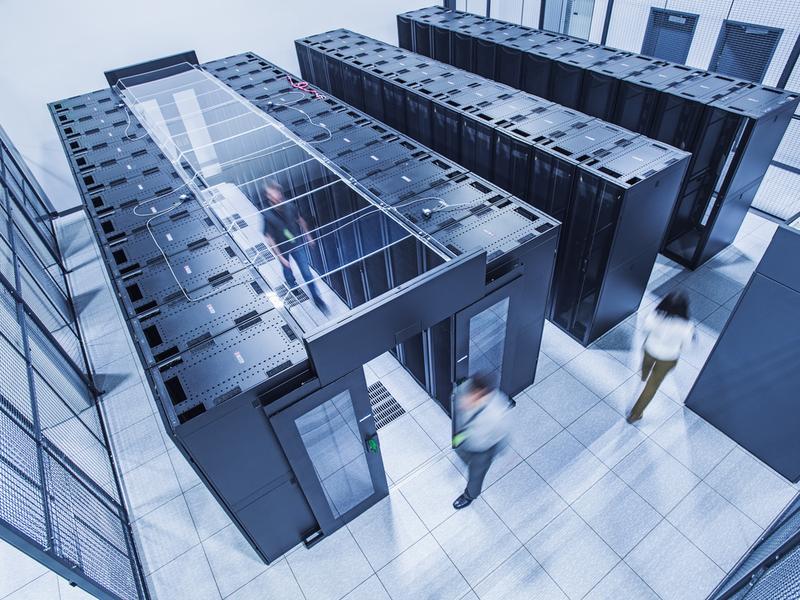
Colocation facilities provide a controlled environment for your servers, including redundant power, cooling, network connectivity, and physical security. Unlike on-premises data centers, colocation removes the burden of managing infrastructure while keeping your equipment under your control.
The key advantages include:
- Reduced operational costs
- Higher uptime and reliability
- Scalability as your business grows
Moving from on-premises to colocation can also improve disaster recovery readiness and free internal IT teams to focus on strategic projects.
3. Plan for Downtime and Risk Management
One of the most critical factors in data center relocation is minimizing downtime. Even brief interruptions can impact business operations, revenue, and customer experience.
A detailed plan should include:
- Step-by-step migration of servers and networking equipment
- Testing and validation at the new location
- Contingency plans for unexpected issues
Working with an experienced partner like OneWorld Logix ensures that your migration is well-planned and executed with minimal risk.
4. Consider Costs and ROI
Some companies hesitate to relocate because of perceived costs. While there is an upfront investment, data center relocation can provide long-term savings by reducing maintenance, energy, and staffing costs.
It’s important to compare the total cost of ownership for on-premises versus colocation. Factor in:
- Operational savings from reduced infrastructure management
- Improved efficiency and reliability
- Potential cost avoidance from downtime or system failures
A well-planned relocation often pays for itself within a few years.
5. Prioritize Security and Compliance
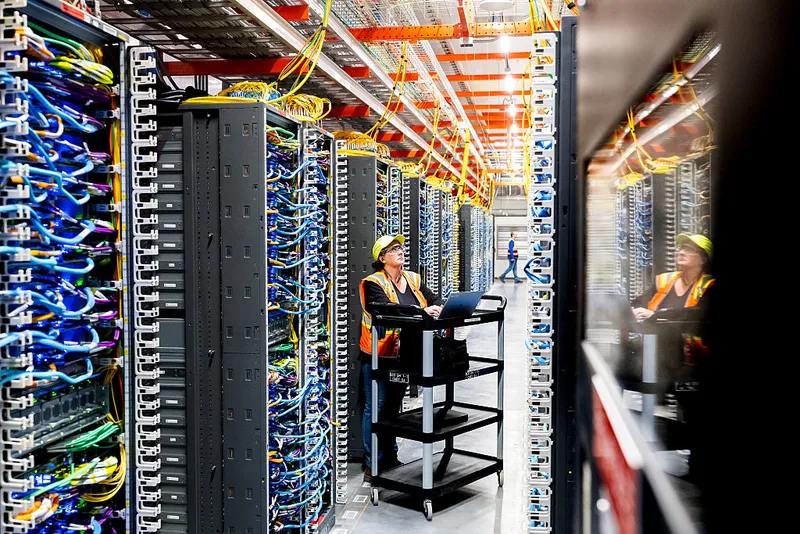
Relocating a data center involves sensitive equipment and critical data. Security should be a top priority throughout the move. Ensure the colocation facility has:
- Physical security controls
- Network security measures
- Compliance certifications relevant to your industry
A professional partner like OneWorld Logix ensures that both physical and digital assets remain secure during the transition.
6. Test and Validate After Migration
After the relocation, it’s essential to test all systems to confirm that performance, connectivity, and security meet expectations. Validation ensures that the new setup is stable, fully functional, and ready for normal operations.
Moving from on-premises to a colocation facility can be a smart investment, but success depends on careful planning, professional support, and attention to detail. A strategic data center relocation can improve uptime, reduce costs, and position your business for future growth.